

Microsoft Office 2021 Professional Plus PC Digital License

Office 2016 Digital License for Mac (Home and Business)
Office 2016 Professional Plus Digital License for PC
Office 2019 Digital License for Mac (Home and Business)

Office 2019 Professional Plus Digital License for PC
Office 2021 Digital License for Mac (Home and Business)
Office 2024 Pro Plus Digital License for PC (Phone Activation)

Office 365 License (12 Months) | Create on PC, Mac, and Android
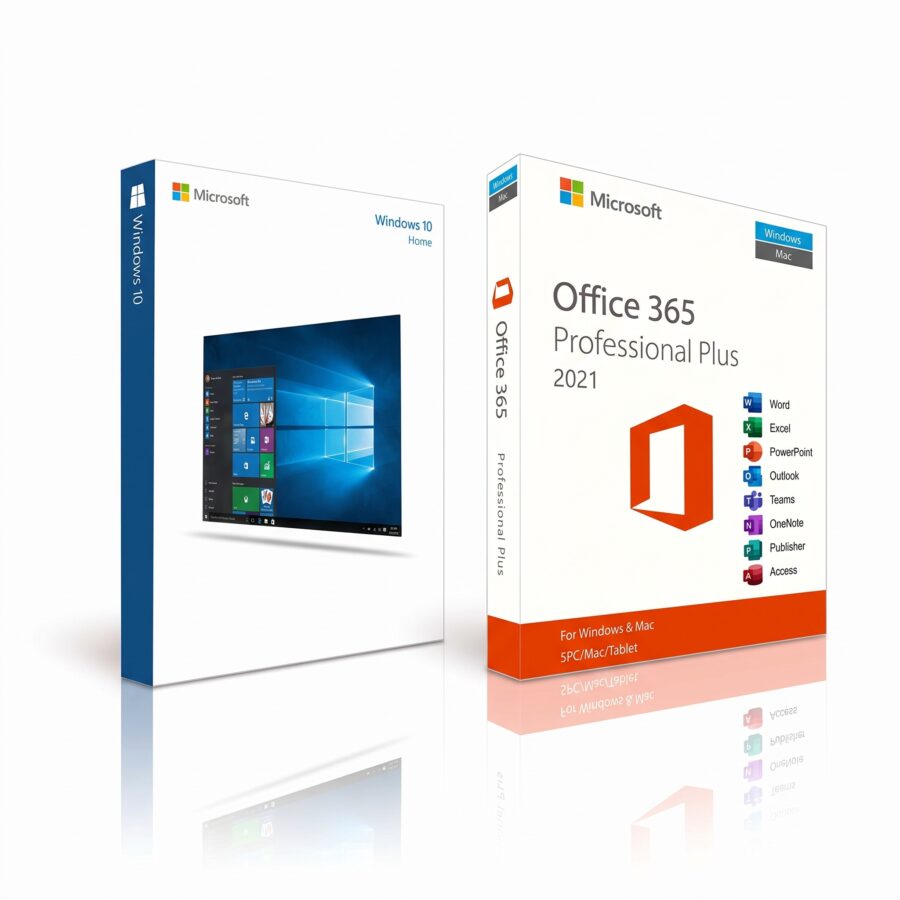
Office 365 license + Windows 10 Home license
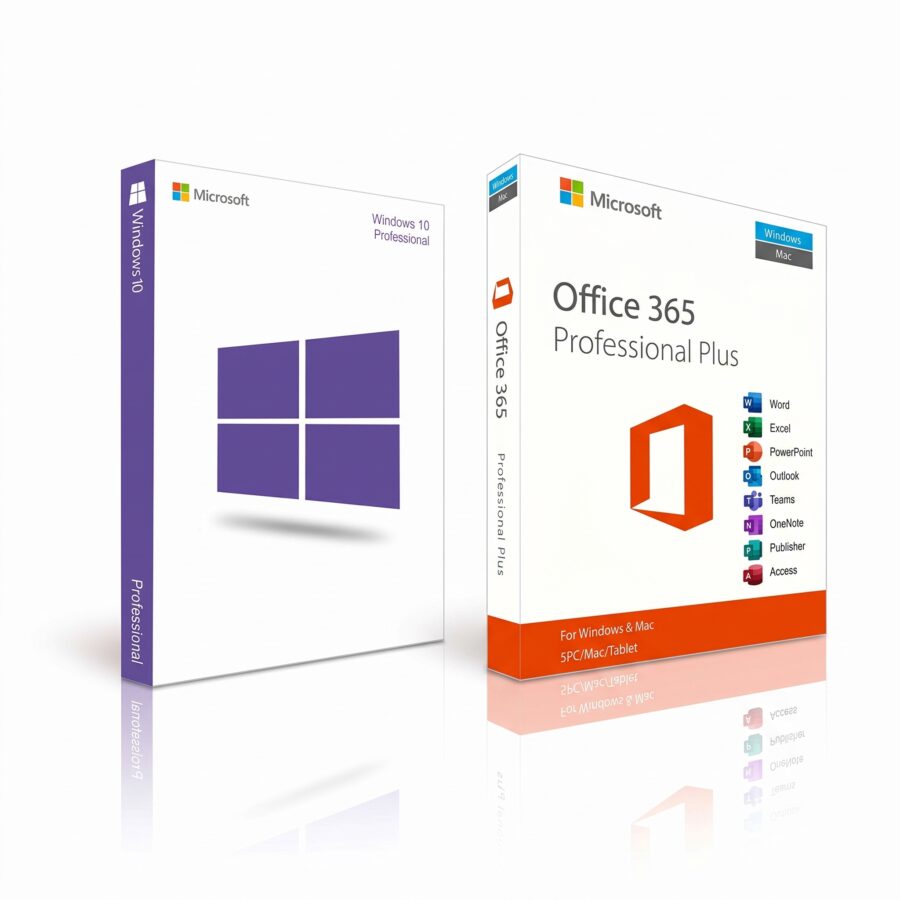
Office 365 license + Windows 10 Pro license
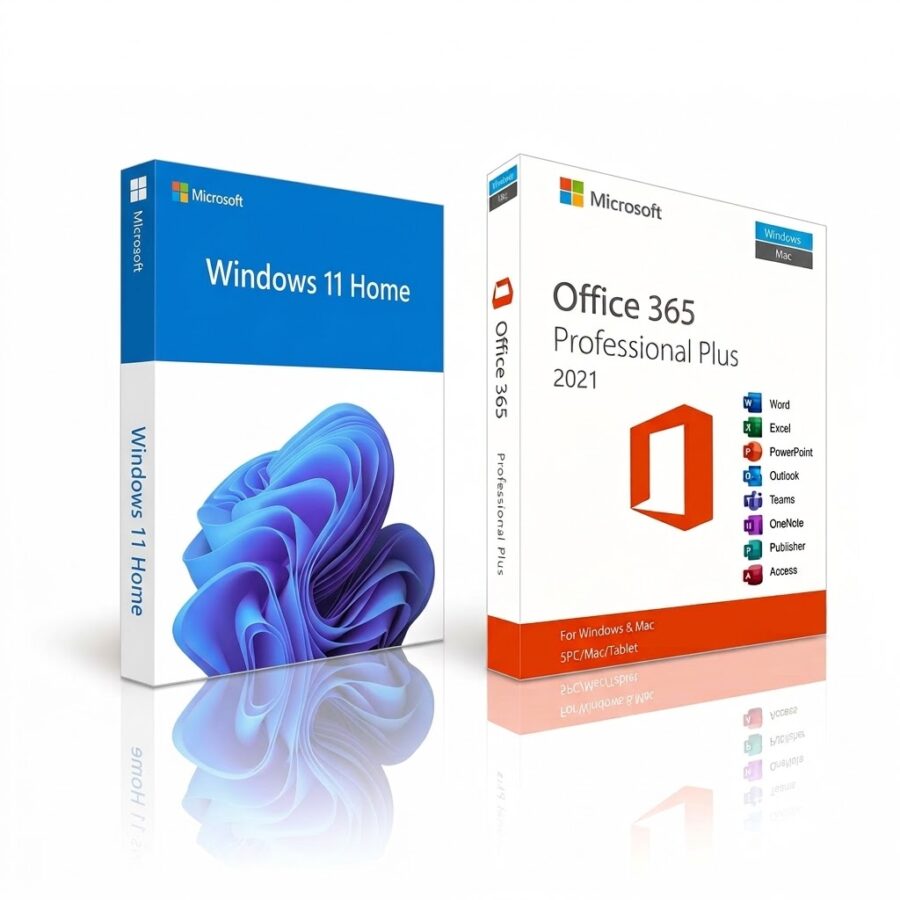
Office 365 license + Windows 11 Home license
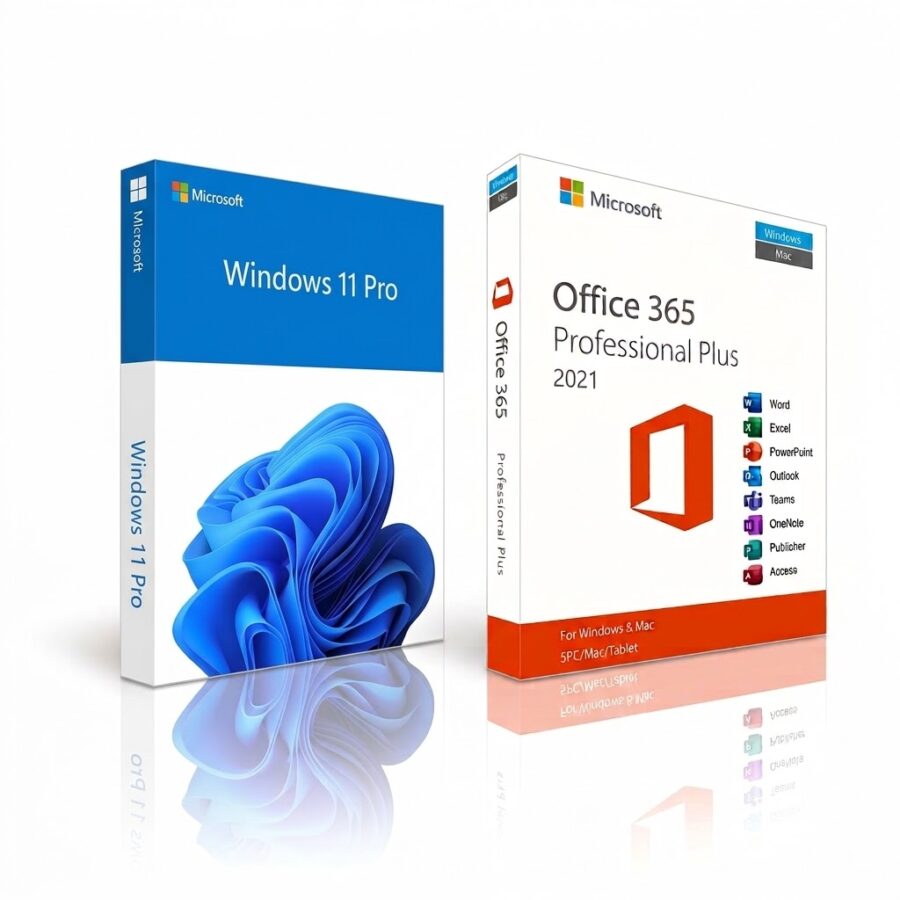
Office 365 license + Windows 11 Pro license
Genuine Office license with immediate digital delivery
Buy a Office license The original version prevents activation lockouts, «unlicensed product» warnings, and security risks. In our catalog, you'll find one-time-purchase versions such as Office 2021, Office 2019, and Office 2016, as well as the Office 365 license (now Microsoft 365) via a multi-device subscription. You'll receive the product key in your email right away, along with official Microsoft links and support if you need help with installation.
Before You Choose: Which Versions Will Continue to Receive Updates
Microsoft ended support for Office 2016 and Office 2019 on October 14, 2025, and for Office 2021 on October 13, 2026. The applications will still open your files, but they no longer receive security patches. If you work with customer data, invoices, or sensitive documents, the smartest choice is an Office license with active support: Microsoft 365 or Office 2024, which Microsoft will continue to support through October 2029.
Comparison: Office 365 Subscription vs. One-Time Purchase Versions
| Feature | Office 365 License | Office 2021 | Office 2019 | Office 2016 |
|---|---|---|---|---|
| Payment Model | Annual Subscription | Lump-sum payment for life | Lump-sum payment for life | Lump-sum payment for life |
| Updates and Support | Continuous, always the latest version | Support ends on 10/13/2026 | Support ends on 10/14/2025 | Support ends on 10/14/2025 |
| Copilot (AI) | Included, as per the plan | Not included | Not included | Not included |
| Cloud (OneDrive) | Included; the space depends on the plan | Not included | Not included | Not included |
| Devices | Multiple devices (PC, Mac, and mobile), depending on the plan | 1 desktop PC or Mac | 1 desktop PC or Mac | 1 desktop PC or Mac |
One-time payment or subscription? How to choose your Office license
- Choose a subscription if you want Copilot, cloud storage, and regular updates, or if you work from multiple devices.
- Choose a one-time payment If you'd rather pay once and use the program on a desktop computer, with no recurring fees.
- If you're unsure, think about how long you'll be using the software and whether you'll need security patches. In that case, the subscription or Office 2024 are the better options.
Availability by Edition and Platform
| Version | Available Edition | Platform |
|---|---|---|
| Office 365 License | Pro Plus | Windows, macOS, iOS, and Android |
| Office 2021 | Professional Plus (Windows only) / Home and Business | Windows / macOS |
| Office 2019 | Professional Plus (Windows only) / Home and Business | Windows / macOS |
| Office 2016 | Professional Plus (Windows only) / Home and Business | Windows / macOS |
Value Packs: Windows + Office License
| Pack Type | Operating system included | Suite included |
|---|---|---|
| Windows + 365 | Windows 11 Pro / Home | Office 365 License |
| Windows + 2021 | Windows 11 Pro / Home | Office 2021 |
| Windows + 2019 | Windows 10 Pro / Home | Office 2019 |
| Windows + 2016 | Windows 10 Pro / Home | Office 2016 |
System Requirements
| Component | Required Specification |
|---|---|
| Office 2019 and 2021 | Windows 10 or Windows 11 is required. |
| Office 2016 and Microsoft 365 | Compatible with Windows 10/11 and recent versions of macOS. |
| Processor and RAM | At least 1.6 GHz (2 cores) and 4 GB of RAM. |
| Storage | 4 GB of free disk space. |
How to Buy Your Office License in 4 Steps
- Choose your version and complete your secure purchase.
- Receive the original key to your email, right away.
- Download the installer from the official Microsoft links we sent you.
- Activate your Office license Enter the key, or redeem your subscription if you chose Microsoft 365.
Frequently Asked Questions About the Office License
Should I choose a one-time payment or a subscription?
If you prefer to pay a one-time fee for a single computer, choose Office 2021, 2019, or 2016, keeping in mind that support for these versions has ended. If you need cloud features, Copilot, and regular updates, opt for an Office 365 license.
Which versions include Copilot (AI)?
Artificial intelligence features and dynamic features are available only with an Office 365 (Microsoft 365) license.
Which version do I need if I use a Mac?
You can use the «Home and Business» editions of Office 2021, 2019, or 2016, or any Microsoft 365 plan. The Professional Plus editions are for Windows only.
Can I install a new version if I already have an old one?
You must completely uninstall the previous version (for example, Office 2016) before installing Office 2021 to avoid installation and activation conflicts.
What is the difference between a retail license and an OEM license?
Retail versions are linked to your Microsoft account and allow you to switch PCs. OEM licenses are permanently tied to the computer's motherboard.
Are these licenses valid for businesses?
Yes. The Professional Plus editions and the Office 365 license are intended for professional use. Keep your proof of purchase in case your company needs to document the software.
Do I need an Internet connection to use the programs?
For one-time purchase versions, you only need it for the initial activation. An Office 365 license requires a periodic connection to validate the subscription and sync files.
What happens if I format my computer?
You won't lose your license. For one-time purchase versions, simply reinstall and activate using your product key. For Microsoft 365, sign in with your Microsoft account.
Is the software shipped in physical format (USB or CD)?
No. All deliveries are 100% digital %: you'll receive the code and official links via email immediately.
Do you offer support if I have problems with the installation?
Yes. We include remote technical support to help you redeem your Office 365 license or install and activate any one-time purchase version.
