

Office 365 License (12 Months) | Create on PC, Mac, and Android
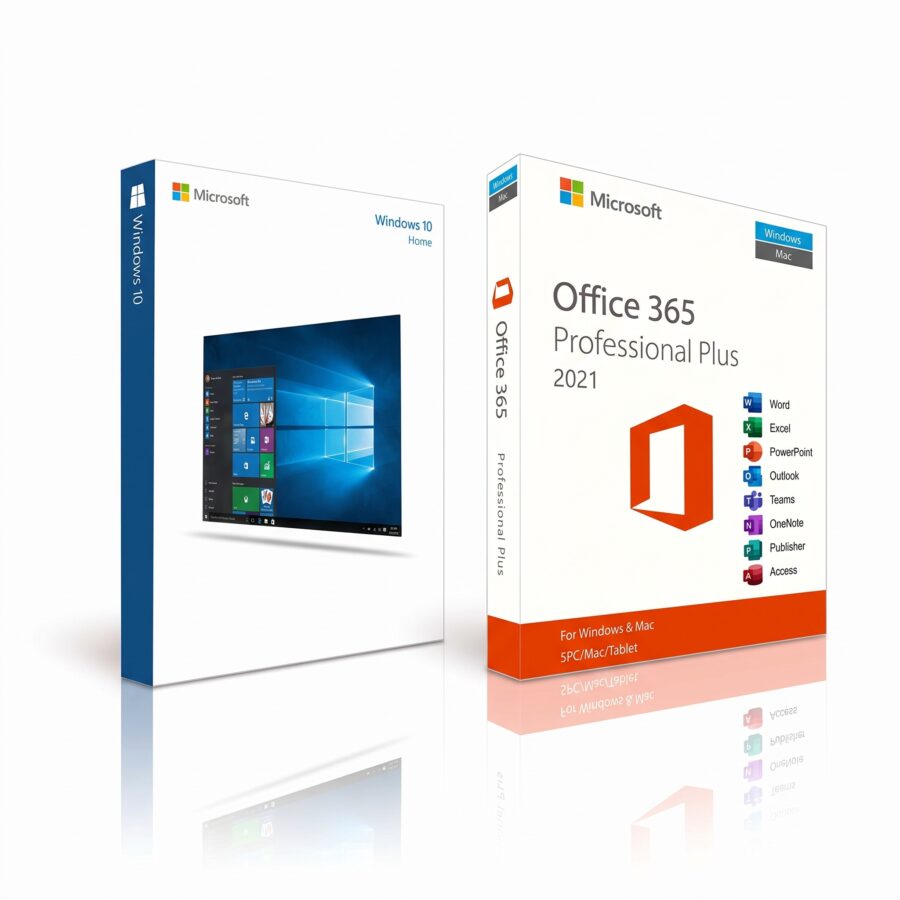
Office 365 license + Windows 10 Home license
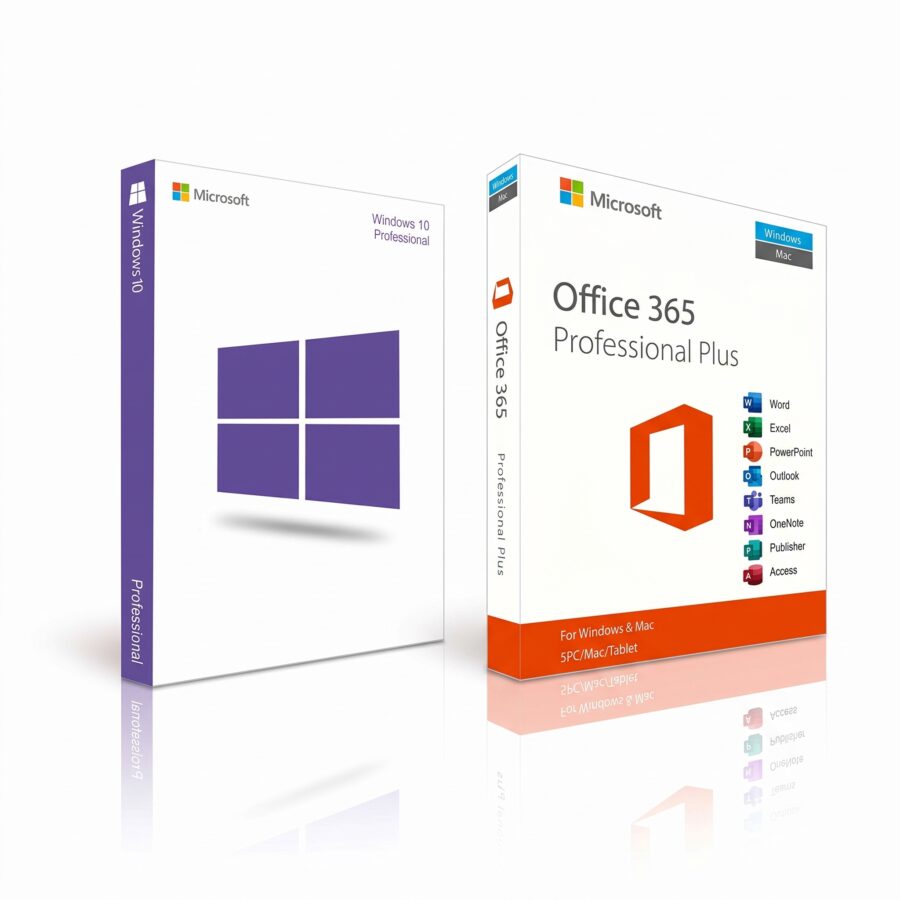
Office 365 license + Windows 10 Pro license
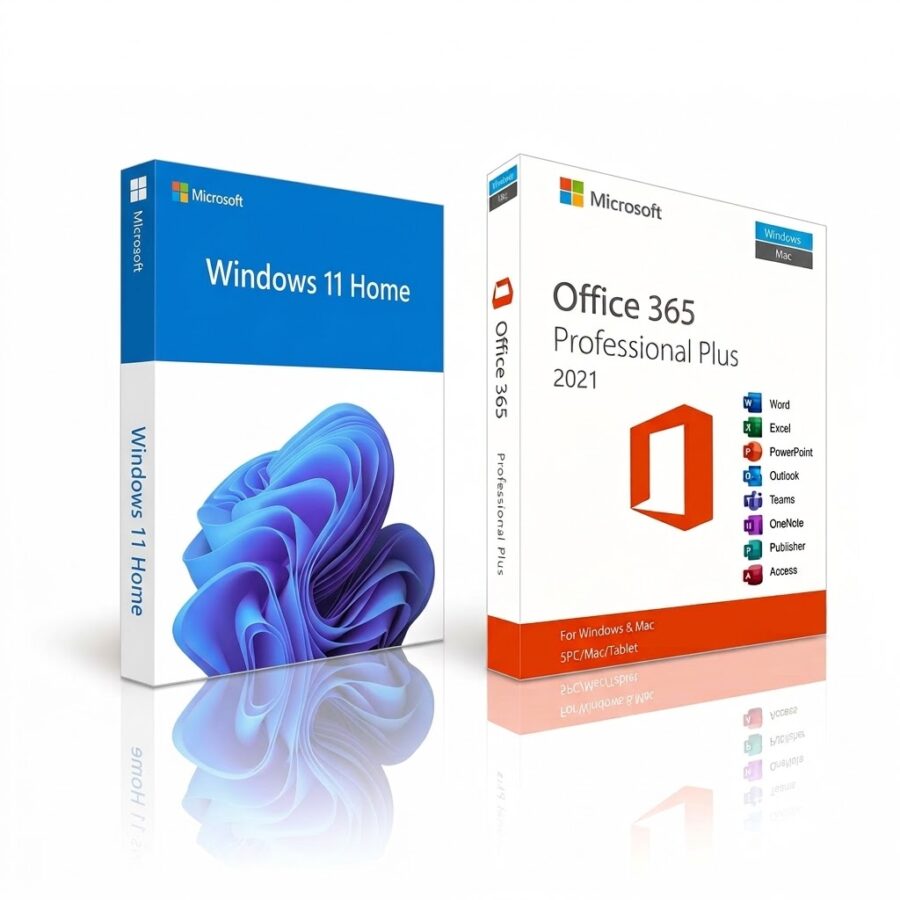
Office 365 license + Windows 11 Home license
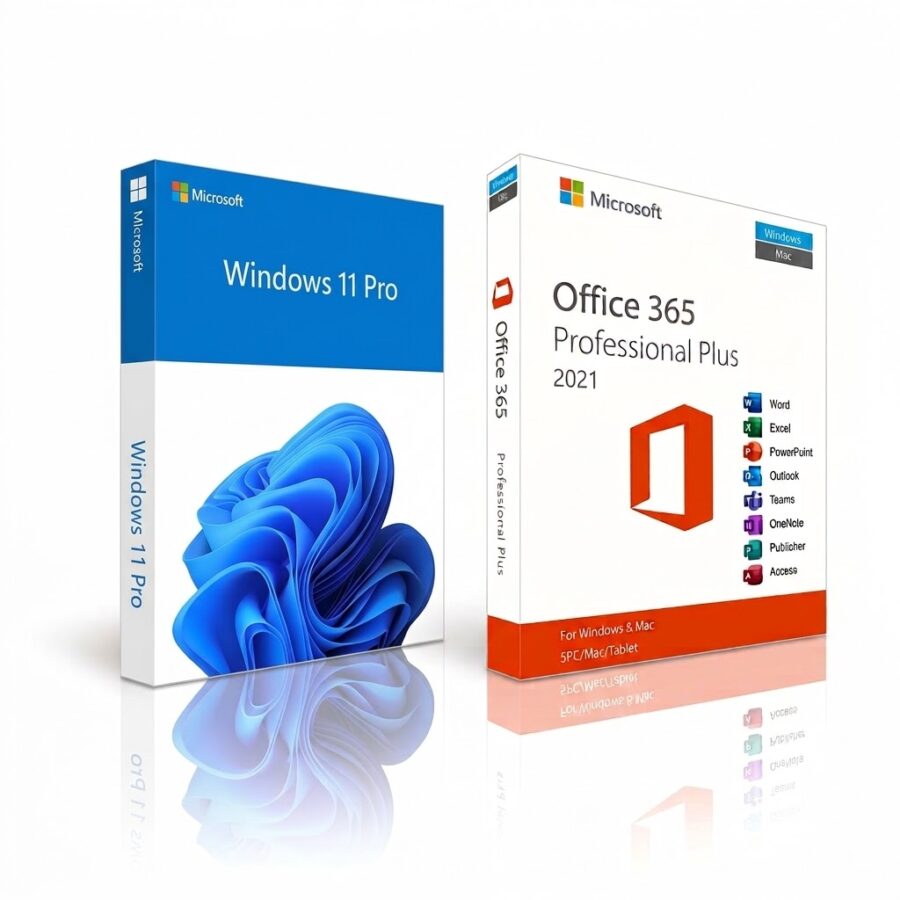
Office 365 license + Windows 11 Pro license
Buy your genuine Office 365 license with immediate digital delivery
One Office 365 license (now Microsoft 365) gives you Word, Excel, PowerPoint, and Outlook—always up to date—plus cloud storage and Copilot, depending on your plan. It’s the alternative to one-time purchase versions like Office 2021, Office 2019, and Office 2016. You’ll receive the original product key in your email immediately, ready to redeem on the official Microsoft website.
Office 365 + Windows License Packs
| Pack | Description | Action |
|---|---|---|
| Windows 11 Pro + Office 365 license | Operating system license + office software subscription | View Product |
| Windows 11 Home + Office 365 license | Operating system license + office software subscription | View Product |
| Windows 10 Pro + Office 365 license | Operating system license + office software subscription | View Product |
| Windows 10 Home + Office 365 license | Operating system license + office software subscription | View Product |
Office 365 Licensing vs. Office 2021, 2019, and 2016
| Feature | Office 365 License | Office 2021 | Office 2019 / Office 2016 |
|---|---|---|---|
| Payment Model | Subscription | Lump-sum payment for life | Lump-sum payment for life |
| Updates and Support | Always the latest version and new features | Support ends on 10/13/2026 | Support ends on 10/14/2025 |
| Copilot (AI) | Available, depending on the plan | Not included | Not included |
| Devices | PC, Mac, tablet, and smartphone, depending on the plan | 1 desktop PC or Mac | 1 desktop PC or Mac |
| Storage | OneDrive included; storage space depends on the plan | Not included | Not included |
One-time purchase versions are no longer receiving security patches from Microsoft. If you handle customer or business data, an Office 365 license is the option that continues to provide protection.
What's Included in an Office 365 License
| Application / Service | Description |
|---|---|
| Copilot (AI) | Built-in artificial intelligence assistant for writing, analyzing, and creating content. |
| Word, Excel, PowerPoint | Advanced editing with artificial intelligence features and real-time co-authoring. |
| Outlook | Email management with advanced security. |
| OneDrive | Cloud storage for securely saving and sharing files. |
| Access | Database tool (available only for PC). |
| Technical Support | Microsoft support is included for the duration of the subscription. |
System Requirements
| Component | Requirement |
|---|---|
| Operating System | Windows 10, Windows 11, macOS (the 3 most recent versions), iOS, or Android. |
| Processor | 1.6 GHz or faster, 2 cores. |
| RAM | 4 GB on PC and Mac. |
| Storage | 4 GB of free disk space (PC); 10 GB (Mac). |
How to Activate Your Office 365 License in 4 Steps
- Complete your purchase and receive the original password in your email right away.
- Visit the official Microsoft website as we indicated in the email.
- Sign in Log in with your personal account and enter the code to redeem the subscription.
- Download the apps on your devices and get started.
Frequently Asked Questions About the Office 365 License
Is the Office 365 license a one-time payment?
No. It works on a subscription basis, unlike Office 2021 or Office 2019, which are one-time purchases.
Does it include Copilot (AI)?
Yes, the subscription allows you to use Copilot in apps. The specific features depend on the plan.
Is it a legal and genuine license?
Yes. We provide original codes that can be redeemed directly on the official Microsoft platform.
Can it be used on Macs and mobile devices?
Yes. You can install the apps on Windows, macOS, tablets, and smartphones, depending on which devices your plan supports.
What are its advantages over Office 2016 or Office 2019?
You'll receive security updates and new features, Copilot, cloud storage, and cross-device use. Office 2016 and 2019 are no longer supported by Microsoft.
Should I uninstall older versions?
Yes. Uninstall Office 2016, 2019, or 2021 before downloading the subscription apps to avoid conflicts.
If I reformat my computer, will I lose my subscription?
No. Your Office 365 license is linked to your Microsoft account. Just sign in again to download the apps.
How long does delivery take?
It's automatic and immediate: you'll receive the password and instructions by email at any time.
Can I share my license?
It depends on the plan. Check the product page to see how many users and devices it supports before you buy.
